Use the Capsule To-Do List Method to Regain Control, Simplify
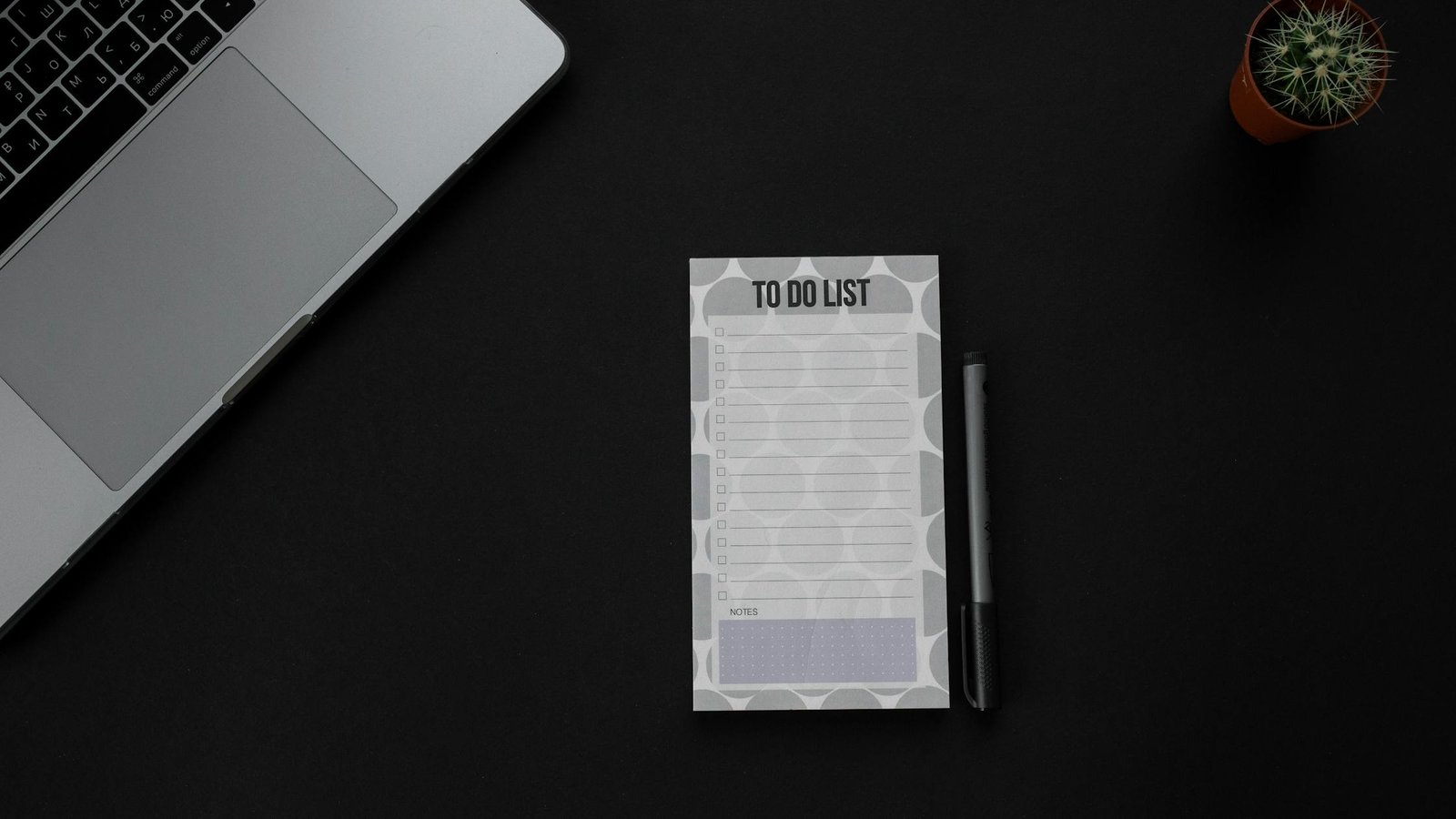
If your task list feels like quicksand, the capsule to-do list method for overwhelmed professionals can give you a calm, flexible way to plan your day. It combines short lists, tight limits, and a clear Daily Big 3 so you can make steady progress without the noise. This guide shows you how to use the capsule to-do list method for overwhelmed professionals step by step, with a simple template, examples, and proven rules.
Key takeaways for the capsule planning method
- Limit your life to just three capsule categories (for example: Core Work, Support, Personal).
- Choose a Daily Big 3: the three most meaningful tasks you will protect today.
- Sort everything else into time boxes, quick wins, or a parking lot. Keep it short.
- Review once in the morning and once near day’s end. Adjust without guilt.
- Use simple estimates and avoid filling more than 60–70% of your day with planned work.
What is the capsule to-do list method for overwhelmed professionals?
It is a light framework that shrinks your task universe into three stable categories, then highlights a Daily Big 3 you will actually finish. Think of it like a minimalist wardrobe for your work: fewer decisions, better fit. You get a compact list that stays readable on one screen or one notebook page, with clear rules for what goes where.
Why this “capsule” approach works
Decision fatigue increases as choices pile up, which erodes the quality of your decisions later in the day. Research and commentary from the American Psychological Association discuss the costs of constant choices and switching attention (APA: Multitasking—Switching Costs). Also, cognitive load builds when information is hard to organize, which raises error rates and slows you down (Nielsen Norman Group: Cognitive Load). Short, consistent categories reduce that load. Finally, unfinished work keeps tugging at your mind (the Zeigarnik effect), so small, closed lists help you feel done more often (Britannica: Zeigarnik Effect).
Quick-start template for the capsule task list for busy professionals
Below is a one-page layout you can drop into a notes app or notebook. Keep it visible all day, and reset it each morning.
SectionPurposeHow to Use
Capsule Categories (3 only)Stable buckets for your work and lifeDefine once. Examples: Core Work, Support, Personal. Do not add a fourth.
Daily Big 3Protected, meaningful tasks for todayChoose 3 max. One per capsule is a good default.
Time-Boxed TasksWork with planned duration blocksPlan 30–90 minute blocks. Leave 30–40% of day open.
Quick Wins (≤2 min)Fast tasks to batch between blocksDo in a small burst. Never let this grow beyond 5–7 items.
Parking LotLater candidates, not for todayHold ideas safely. Review during your weekly reset.
Set up your three categories in a three-category to-do list
Choose categories that fit 80–90% of your recurring work. Keep them stable for at least a month. Most people do well with one “maker” lane, one “support” lane, and one “life” lane.
CapsuleTypical TasksExamplesNot Included
Core WorkDeep work that moves key outcomesDesign sprint, analysis, writing, coding, client strategyRandom Slack pings, admin chores
SupportCoordination and upkeep1:1s, inbox triage, reporting, handoffs, approvalsLong projects that need focus
PersonalHealth, home, and learningWorkout, meal prep, reading, finance reviewWork tasks that can live in Core or Support
Because your categories are stable, your brain burns fewer cycles every morning. Instead of asking “Where should this go?” you can move straight to how and when you will do it. That is the core strength of the capsule to-do list method for overwhelmed professionals.
Keep your list small and visible. Photo: PNW Production via Pexels. Source: Pexels.
Choose your Daily Big 3 in the capsule planning method
The Daily Big 3 anchors your day. Pick three tasks that change outcomes, not just activity. One task per capsule category is a simple default. Also, choose a mix that you can defend when interruptions arrive.
- Impact first: Will finishing this move a key metric or deliverable?
- Clarity next: Can you state the finish line in one short sentence?
- Time last: Will this fit into today’s 60–70% planned time?
Example RoleDaily Big 3Why These?
Marketing Manager1) Draft Q3 campaign brief; 2) Finalize webinar outline; 3) 45-min pipeline reviewTwo maker items, one support review. Clear finish lines.
Software Engineer1) Implement auth hook; 2) Write 6 tests for signup; 3) Pair review 1 PRTwo code tasks, one collaboration task. Small, shippable chunks.
Founder1) Investor update; 2) Hiring scorecard rev 1; 3) 60-min sales calls (2)One narrative, one system, one sales block. Business leverage.
Teacher1) Grade period 2 essays (8); 2) Plan Friday lab; 3) Parent email batchOne batch, one plan, one support batch. Realistic time boxes.
Sort tasks fast in a three-category to-do list
Everything that does not make your Big 3 goes into a time box, a two-minute quick win, or the parking lot. The rules below keep your list from bloating.
If the task is…Then…Notes
≤ 2 minutesDo now or batch 5–7 at a breakKeep quick wins small to avoid drift
15–90 minutesTime-box it on your calendarPrefer 30–60 min for focus
Big or vagueSplit into 30–90 minute slicesWrite a clear “done when…”
Not needed todaySend to parking lotRevisit weekly; no guilt
Why the capsule to-do list method for overwhelmed professionals works
Interruptions and task switching carry a cognitive tax that reduces accuracy and speed. The American Psychological Association summarizes how switching tasks hurts performance (APA: Multitasking—Switching Costs). In addition, UX research groups show that high cognitive load raises error rates and slows problem solving (Nielsen Norman Group). Also, unfinished tasks tug at your attention, which keeps the stress loop going (Britannica). The capsule method breaks this loop by giving you a small, finished list every day.
Finally, the planning fallacy nudges us to underestimate work. A brief time-box and estimate makes the gap visible before you overbook. See the APA Dictionary entry on the planning fallacy for background.
Turn your capsule task list into time you can defend
A plan is only useful if you can keep it safe. Protecting your Daily Big 3 does not mean saying no to everything. It means saying “not now” with context.
- Block your Big 3 on your calendar first. Treat them like meetings with yourself.
- Leave white space: 30–40% of your day open for support tasks and surprises.
- Batch the small stuff: two 20–30 minute windows for quick wins and replies.
- Put one recovery buffer after your longest deep-work block.
Simple estimation that is good enough
Use a tiny scale so you can judge the day fast.
SizeTime BoxUse For
S15–30 minReplies, micro-edits, small queries
M30–45 minDraft a section, fix a bug, outline a lesson
L60–90 minWrite, code, design, analysis, grading batch
If more than four L blocks show up in one day, cut or split something. Therefore, you keep energy and accuracy up while making visible progress.
Grab-and-go capsule planning template (copy/paste)
Date: ________ Theme (optional): __________
Capsules (3 only)
1) Core Work: _________________________________
2) Support: ___________________________________
3) Personal: __________________________________
Daily Big 3 (finish these)
1) ____________________________________________
2) ____________________________________________
3) ____________________________________________
Time-Boxed Tasks
- Task: ____________ Size: S/M/L Block: ____
- Task: ____________ Size: S/M/L Block: ____
Quick Wins (≤2 min, max 7)
- __________________
- __________________
Parking Lot (not for today)
- __________________
- __________________
End of Day Review
- Big 3 done?
- Move or drop?
- Note one lesson.
Visual map of the capsule planning method workflow
Capsule Workflow
- Capture: Write tasks fast without judging.
- Triage: Sort into Capsules (Core, Support, Personal).
- Choose: Pick your Daily Big 3 (one per capsule if possible).
- Time-Box: Add S/M/L blocks to your calendar.
- Work: Deep work first, then support, then quick wins.
- Review: Move, drop, or celebrate. Note one lesson.
Keep it on one page. Limit choices. Finish what you start.
Examples across roles using the capsule task list for busy professionals
Use these prompts to see how a small page can hold a full day without bloat.
Example: Product designer
- Capsules: Core Work (flows), Support (reviews), Personal (health)
- Daily Big 3: (1) Redesign onboarding step 2 (L); (2) Review 2 PRDs (M); (3) 30‑min run (M)
- Time-Boxed: (a) User test note pass (M); (b) Research sync (S); (c) Component cleanup (M)
- Quick Wins: Send 2 stakeholder updates; archive old files
- Parking Lot: Explore animation for empty state
Example: Operations lead
- Capsules: Core Work (process), Support (people), Personal (admin)
- Daily Big 3: (1) Draft Q4 capacity plan (L); (2) Vendor RFP shortlist (M); (3) Payroll check (S)
- Time-Boxed: Standup (S); Risk log update (S); Team 1:1s (M/M)
- Quick Wins: Ship 3 confirmation emails
- Parking Lot: Warehouse layout change ideas
Example: Freelancer
- Capsules: Core Work (client), Support (pipeline), Personal (learning)
- Daily Big 3: (1) Client A homepage draft (L); (2) Send 2 proposals (M); (3) 45‑min course lesson (M)
- Time-Boxed: Invoices (S); Proof one article (M)
- Quick Wins: 4 follow-ups; file receipts
- Parking Lot: Blog topic brainstorm
Fit meetings and messages into your three-category to-do list
Meetings and messages often live in Support. However, not every meeting is support. A design review that produces a decision for a core deliverable can live in Core Work. Meanwhile, a one-off status chat may live in Support. Put work where it changes outcomes, not where it merely happens.
Defend your Big 3 without burning bridges
- Use time boxing as your first “no.” Point to your schedule and offer the first open block.
- Offer a lighter alternative. For example, “Send me the top 3 questions by noon.”
- Ask for an exchange. “Happy to take that today. Which current item should we delay?”
Morning setup for the capsule planning method in 10 minutes
- Glance at your three capsules. Add any new tasks quickly.
- Pick your Daily Big 3. State each finish line (“Done when…”).
- Time-box 30–90 minute blocks for Big 3 and two support windows.
- Place one buffer. As a result, you absorb surprises without breaking.
- Confirm that only 60–70% of your day is planned. Drop or split if too full.
Evening review for the capsule task list for busy professionals
- Mark what you finished. Celebrate small wins.
- Move or drop anything left. Because dropping is a choice, do it deliberately.
- Write one lesson: “I started late because… Next time I will…”
- Stage one seed for tomorrow’s Big 3 so your morning is fast.
Keep it one page. Limit choices. Source: RDNE Stock project via Pexels.
Pitfalls to avoid in the capsule planning method
Most failures come from too many categories, Big 3 items that are too vague, or overbooking. Use this list to steer around the common traps.
PitfallWhy It HurtsFix
Adding a 4th or 5th capsuleMore choices, more switchingMerge into your existing 3. The capsule to-do list method for overwhelmed professionals depends on strict limits.
Big 3 items that are projects, not tasksNo clear finish line; hard to startSplit into 30–90 minute slices. Write “Done when…”
Planning 90–100% of your dayNo slack; stress spikes with any surpriseCap at 60–70% planned time. Reserve buffers.
Letting Quick Wins swell beyond 7Churn and driftBatch or drop. Ask if a short email could close it now.
Vague time boxesCalendar lies to youGive each block a verb and a concrete output.
When to bend the three-category to-do list rules
Occasionally, real life needs a fourth temporary capsule, such as “Crisis.” If so, pause one of the usual three and add the temporary one for a few days only. Also, if your Big 3 die three days in a row, stop and run a mini-retro: Were tasks too big? Did you have hidden dependencies? Did you plan during your worst energy window?
How to use this advice
This is a planning method, not medical advice. It will not remove every stressor. It will help you make better trade-offs. Start small: run the system for one week before you judge it. Then, adjust the names of your capsules and the size of your time boxes to fit your work and life.
Weekly review and maintenance for the capsule planning method
The weekly review keeps your three categories crisp and your Daily Big 3 choices easy. With a short reset, the capsule to-do list method for overwhelmed professionals stays light and sharp all week.
- Prune the parking lot. Group items by theme, delete stale ideas, and bubble up two candidates for next week.
- Refresh capsule examples. Under each category, list two current examples so you remember what “belongs” there.
- Scan upcoming deadlines. Mark any must-ship items and pre-slice them into L or M blocks you can place early in the week.
- Do a capacity check. Estimate total L/M blocks available (work hours × 0.6 or 0.7). If demand exceeds capacity, drop or delay now.
- Write a short intention. One line for the week’s theme helps you pick a clear Big 3 each day.
Weekly StepTimeOutputTip
Parking Lot Prune5–10 min3–5 viable candidatesDelete twice as much as you keep
Capsule Refresh5 min2 example tasks per capsuleKeep examples visible on your template
Deadline Scan5 minList of must-ship itemsPre-slice large items into L/M blocks
Capacity Math3 minL/M block budgetPlan only 60–70% of your hours
Weekly Intention2 minOne-line themeUse it to break ties in your Big 3
If your review reveals a pattern—such as Support ballooning every Wednesday—adjust your calendar once. For example, move your longest Core Work block to mornings on Mon/Tue/Thu and reserve a Support-heavy afternoon midweek.
Integrations: calendar, email, and project tools with a three-category to-do list
The method is tool-agnostic. Still, a few integrations make the day smoother without adding overhead. You can keep your capsule task list for busy professionals in a notes app and connect it to your calendar and project tools in simple ways.
- Calendar: Create a color per capsule. Drop L/M blocks directly on your calendar. Name blocks with verbs and outputs (for example, “Draft brief v1”).
- Email: Batch triage during Support windows. Star or label items that will become time-boxed tasks. If a thread takes over two minutes, convert it to a task and schedule it.
- Project boards: Keep only active slices on your Today swimlane. Everything else lives in the parking lot or the main backlog.
- Meetings: Add a one-line goal to each invite. During the meeting, list the smallest next step and decide the capsule category before you leave.
- Notes and docs: Pin your daily template to the top of your notes. Link each Daily Big 3 item to its working document.
AreaMinimal SetupFailure ModeFix
Calendar3 colors, 60–70% plannedOverstuffed daysCut or move blocks weekly
Email2 daily triage windowsAll-day dripTurn off notifications outside windows
ProjectsToday swimlane onlyToo many active cardsEnforce a small WIP limit
MeetingsOne-line goalVague action itemsDecide capsule and next step before ending
When you pair these light integrations with the capsule to-do list method for overwhelmed professionals, you reduce friction without creating a second job of “managing the system.” Keep it simple and review weekly.
Metrics and signals: track progress with the capsule to-do list method for overwhelmed professionals
What you measure shapes your behavior. Pick a few signals that keep you honest and motivated. The goal is not to hit 100% every day, but to see trends and adjust early. A short weekly glance at these numbers will tighten your feedback loop.
MetricTargetWhy It MattersAction If Off-Track
Daily Big 3 completion~70–90% avgShows if your priorities are realisticMake Big 3 smaller; schedule earlier
Plan accuracy≤ 1 task rolled over/daySignals overbooking or vague tasksSplit tasks; add buffers
Support time20–40% of dayHealthy maintenance vs. thrashBatch messages; tighten meetings
Deep-work blocks protected1–3/dayFocus time is when outcomes moveBlock earlier; defend with context
Quick wins count≤ 7Avoids drift into busyworkBatch or delete ruthlessly
If you see two weeks of low Big 3 completion, revisit estimation and dependencies. Because the capsule to-do list method for overwhelmed professionals prizes clarity over volume, shrinking tasks is a winning move, not a failure. Likewise, if Support time is spiking, create one “office hours” block and direct requests there.
FAQ
Who should use the capsule to-do list method for overwhelmed professionals?
Use it if you juggle deep work and support work daily. It is especially helpful for managers, makers who attend many meetings, solo founders, teachers, and freelancers. The small list and Daily Big 3 reduce switching and decision fatigue.
How do I review with the capsule to-do list method for overwhelmed professionals?
Do two short reviews. In the morning, pick the Daily Big 3 and time-box. In the evening, mark done, move or drop leftovers, and write one lesson. Weekly, prune your parking lot and refresh capsule examples.
Can teams adopt this method together?
Yes. Teams can name shared capsules (for example, Build, Support, Growth), align on a Daily Big 3 per person, and agree to protect deep-work blocks. Also, use one standup to align time boxes for the day.
What if my day explodes with emergencies?
Switch to a crisis capsule for the day. Move unfinished Big 3 to tomorrow’s plan or split them. Then, in your evening review, choose one system fix that would prevent a similar blowup.
Do I need a special app?
No. Any notes app or paper works. However, a calendar for time boxing helps. Keep your template one swipe or one page away so you can review it at a glance.
Further reading and sources
- American Psychological Association: Multitasking—Switching Costs
- Nielsen Norman Group: Cognitive Load in UX
- Encyclopaedia Britannica: Zeigarnik Effect
- APA Dictionary: Planning Fallacy
- Nielsen Norman Group: Interruptions and Task Switching
Next steps
Want a deeper system for calm focus? Explore our reading hub for productivity frameworks that pair well with capsules. Also, see templates you can print and use this week. To start, try the capsule to-do list method for overwhelmed professionals for five workdays and measure your Big 3 completion rate.
- Browse the Mind Clarity Hub books for practical planning books and summaries.
- See our reviews hub to compare methods before you commit.
- More guides for building your reading plan and linking habits to outcomes.
Editorial note: We keep this guide practical and update references when core research changes. Last reviewed for clarity and sources: May 26, 2026. https://mindclarityhub.com/?p=6196


Comments
Post a Comment